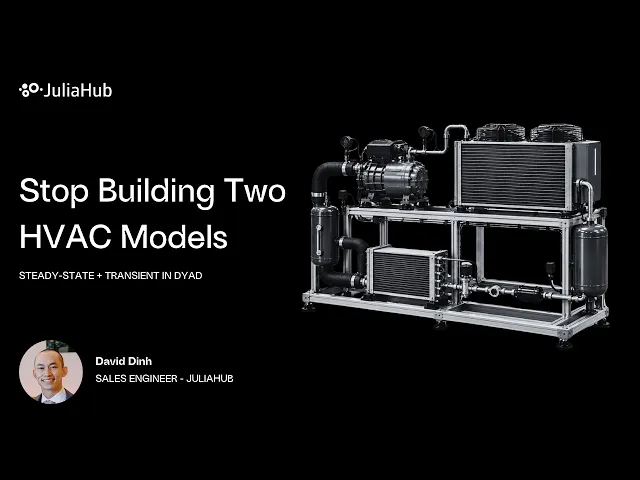
Designing an HVAC system often means maintaining separate models for different questions: one for steady-state performance and another for startup, changing loads, and dynamic behavior. Moving between them adds data transfers, repeated changes, and opportunities for inconsistency.
In JuliaHub’s webinar, One HVAC System Model – No Design Tooling Friction, we show another approach: use one vapor-compression cycle model in Dyad for both transient simulation and steady-state analysis.
Build from components you can inspect
The demonstration uses HVACComponents, a Dyad-native library with heat exchangers, compressors, expansion valves, fans, pipes, and conditioned spaces, supported by refrigerant and air property models.
We walk through an R32 refrigerant circuit containing a compressor, condenser, expansion valve, and evaporator. Each component has graphical and textual representations of the same model. Engineers can inspect the underlying equations, connections, and parameters, then make changes through either view.
Change the analysis, keep the model
Once the cycle is compiled, the same system is used to set up a transient problem and a steady-state problem. Switching between them changes the analysis setup, rather than requiring a second model or a transfer to another tool.
For HVAC and refrigeration teams, this keeps both analyses tied to the same component definitions and parameters. A design change can be evaluated across operating behavior and equilibrium performance without maintaining parallel versions of the circuit.
Ask the agent to visualize the results
The webinar also shows how Dyad Agent can help turn simulation results into useful plots. David reviews two agent workflows: creating an animated pressure–enthalpy (p–h) diagram across the transient simulation and a separate diagram at steady state.
The agent reads the project’s model definitions, runs Julia code, and extracts the variables needed for each plot. Engineers can inspect the executed code to understand how the visualization was produced.
The result is a connected workflow: inspect the components, run both analyses, and explore their results within the same environment.
Watch the full webinar: